Set up forwarding in iOS Mail
iOS Mail itself does not have a "forward this rule" feature. The forwarding is set up wherever your email actually lives — iCloud.com for iCloud addresses, your IMAP provider's webmail for everything else. iOS Mail just shows the result.
01Before you start
You need:
- Your project email address from Hemma. Find it under Settings → Project, in the Inbound Email field. Tap Copy.
- A desktop or laptop browser. iCloud's mail rules cannot be created on a phone. Other IMAP providers vary, but most are also web-only.
02Steps for an iCloud address
1. Open iCloud Mail rules
Go to icloud.com in a browser and sign in. Open the Mail app, then tap the gear icon at the bottom of the folder list → Rules → Add a rule.
2. Create a forwarding rule per contractor
The rule shape: If a message is from [contractor email], then forward to [your Hemma project email] and mark as read.
Repeat for each contractor, your architect, your municipality, your insurer.
iCloud allows up to a few hundred rules per account. Plenty for a build.
3. Verify the first forward
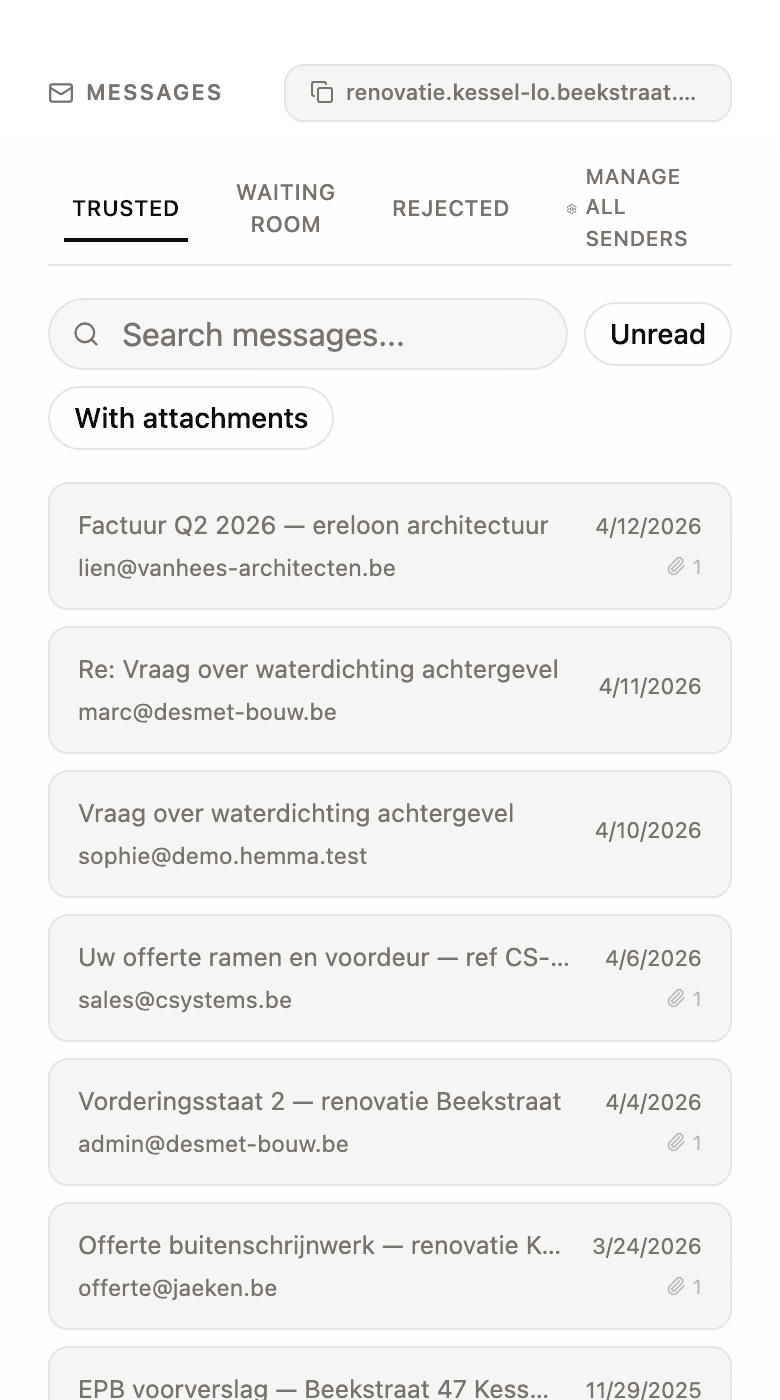
Wait for the next email from one of the contractors you set a rule for. Open Hemma and look in Files for it. If it arrived, the rule works and you do not need to touch it again.
If it did not, check Settings → Senders in Hemma to see whether the contractor was held in the waiting room — see approving or rejecting a sender.
03Steps for non-iCloud addresses
If your email is on Gmail, Outlook, or another provider but you read it on your iPhone, set up forwarding in that provider's settings — not in iOS Mail.
- Gmail addresses: see set up forwarding in Gmail.
- Outlook / Office 365 addresses: see set up forwarding in Outlook.
- Any other IMAP host: log into your provider's webmail and look for Filters or Rules in the settings.
04Manual forwarding from the iOS Mail app
If you only need to forward an occasional email, the iOS Mail app does that fine.
Open the email, tap the arrow icon at the bottom, choose Forward, and type or paste your Hemma project address as the recipient. Send.
The original sender becomes the "from" address Hemma sees once you start the forward — no, wait, that is not quite right. The forward is from your address. Hemma will see you as the sender. That is normally fine because you are already auto-approved as a project member.
Save your Hemma project address as a contact named "Project Hemma" in your iPhone Contacts. The Forward field then autocompletes as soon as you type "Pr".
05Common questions
Why does iCloud not let me set up rules from the iPhone? Apple keeps the rule editor on the web. There is no setting we can change. Once a rule is created, it runs on Apple's servers — no phone interaction needed afterwards.
Will the contractor know I forwarded their email? Forwarding rules are silent. The contractor sees no notification.
My iCloud address is @me.com, not @icloud.com — does it matter? No. Apple aliases all three (@me.com, @mac.com, @icloud.com) to the same mailbox, and rules apply to all of them.
06What if it goes wrong
- The rule fired but nothing arrived in Hemma? See an email I forwarded didn't arrive.
- The first forwarded email is in your Senders waiting room? Approve the sender — see approving or rejecting a sender.