How AI document processing works
You upload a document. Hemma reads it, extracts the important details, and makes them available, usually in less than thirty seconds. Most documents are processed without you needing to do anything. Here is how it works and why Hemma sometimes asks for your input.
01What happens when you upload a document
As soon as your document arrives, Hemma gets to work. The whole process takes about thirty seconds. Here is what happens behind the scenes:
- Hemma determines what type of document it is. Invoice, quote, permit, plan, or photo.
- AI reads the document and extracts the important details: amounts, dates, VAT numbers, contractor names.
- The results are saved and appear in your project.
If it is an invoice or a quote, Hemma does something extra. More on that in a moment.
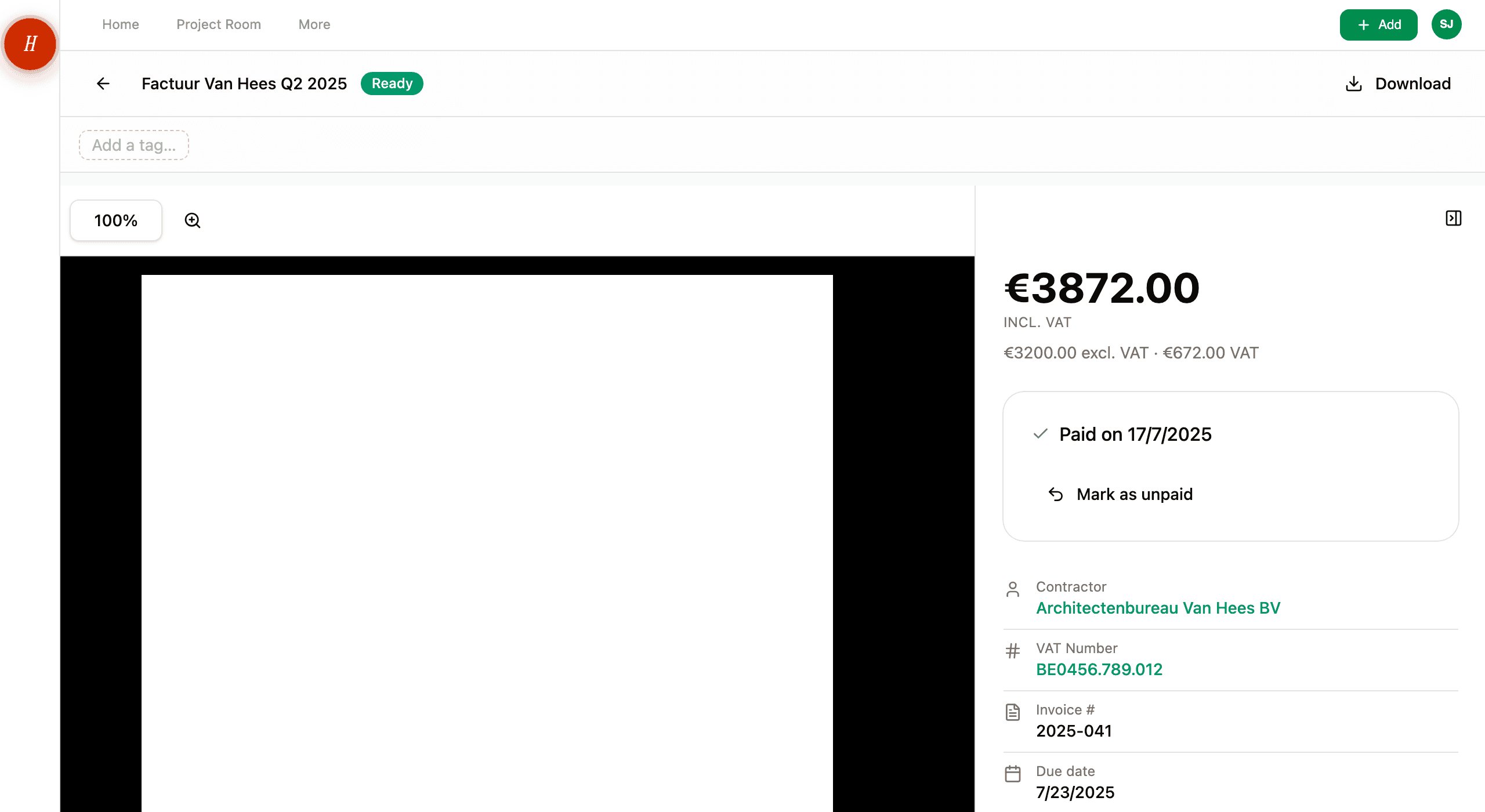
You can follow the processing on your document's detail screen. Hemma shows you when the analysis is running and when it is done.
02Why Hemma uses two AI providers
With invoices and quotes, money is at stake. That is why Hemma sends those documents to two independent AI providers. Each one reads the document separately and extracts the data on its own.
Then Hemma compares the results on four key fields: the amount, the date, the VAT number, and the invoice number. If both providers agree, the data is automatically trusted. If they disagree, you get the final say.
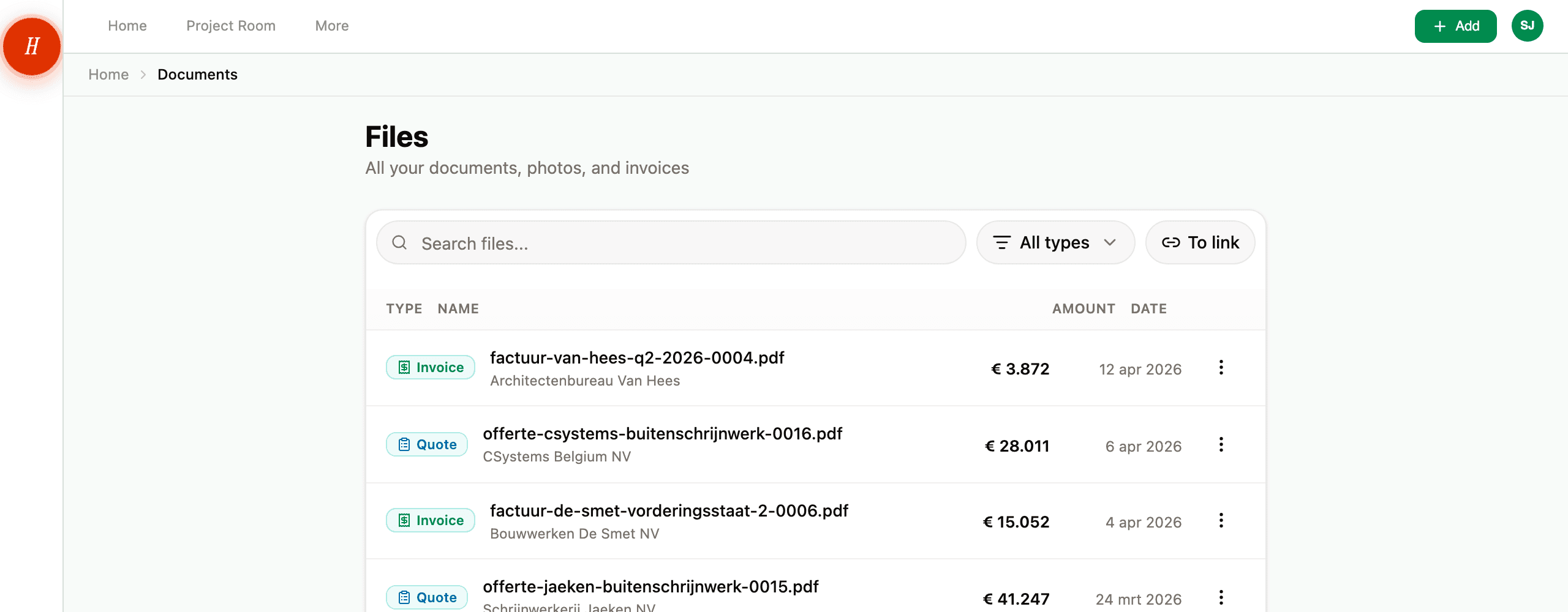
This is called dual extraction. It is how Hemma makes sure your financial data is accurate. Not by blindly trusting one AI, but by comparing two independent readings.
For other document types like permits and plans, a single AI reading is enough. The risk of errors is lower and the data is less critical.
03What 'Needs review' means
Sometimes Hemma asks for your help. This happens for two reasons:
Hemma is not sure what type of document it is. If the AI is less than 80% confident about the type, Hemma asks you. You see a list of options and pick the right type. Done.
Hemma is not confident enough about what it read. For invoices and quotes, the two readers sometimes come back with different amounts. Hemma has a third model settle that against the document first. When doubt is left over, it shows you what it read and asks whether it matches.
Both situations take less than thirty seconds. You see clearly what Hemma read, and you confirm with one tap.
You do not need to know anything about AI to do this. Hemma just shows you what it read and asks whether it matches. You know your documents best.
04What Hemma can and cannot read
Works well:
- PDF invoices and quotes
- Permits, attestations and technical documents
- Photos of paper documents
- Scanned documents in reasonable quality
Works less well:
- Handwritten notes
- Very poor scans (blurry, skewed, cut off)
- Password-protected PDFs
Hemma always shows you what it found. If something is off, you can correct it. Nothing is ever lost. Your original file always stays available.
05You are always in control
AI suggestions are never commands. Hemma proposes, you decide.
On each document's detail screen, you see exactly what Hemma found. Every field is editable. Contractor, amount, date, document type. You can change anything.
The worst AI can do is flag something as 'Needs review'. Never an error. Never a blocker. Hemma asks for your opinion, but never gets in your way.
Your documents, your data, your decisions. Hemma is your assistant, not your boss.